> ## Documentation Index
> Fetch the complete documentation index at: https://docs.gocertify.me/llms.txt
> Use this file to discover all available pages before exploring further.
# Sticky Bar On Site Messaging
> Start building loyal communities with targeted, gated offers.
Sticky Bar placements are a powerful way to drive conversions by surfacing offers directly on product/checkout pages, maximising conversion of high intent shoppers.
Display rewards from a prominent sticky bar at the top or bottom of your site. Highly visible and no-dev installation.
## How to enable sticky bar placements
You can one click enable sticky bar placements on any page where you have already installed the Gocertify head script (see [integrate on site](/section/gettingStarted/integrateOnSite)) without the need for a developer.
Simply log into your [Gocertify dashboard](https://secure.gocertify.me/dashboard) and click on the On-Site Messaging tab.
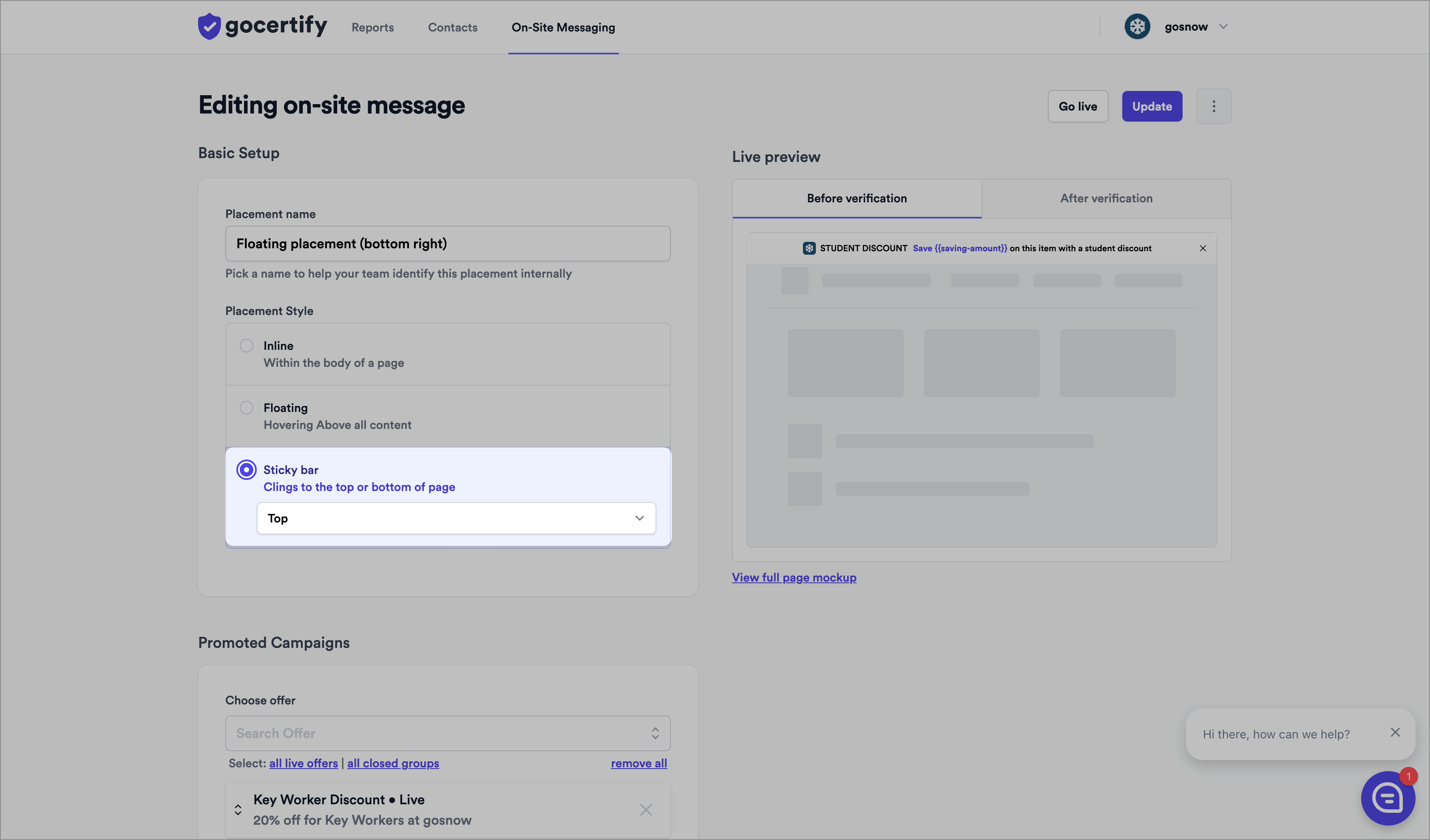 ## How to position your floating button placement
You can change the position of the floating button placement using the dropdown menu in the dashboard. For advanced positioning options you can use custom CSS.
## How to position your floating button placement
You can change the position of the floating button placement using the dropdown menu in the dashboard. For advanced positioning options you can use custom CSS.