> ## Documentation Index
> Fetch the complete documentation index at: https://docs.gocertify.me/llms.txt
> Use this file to discover all available pages before exploring further.
# Collect Custom Fields
> Start building loyal communities with targeted, gated offers.
## Overview
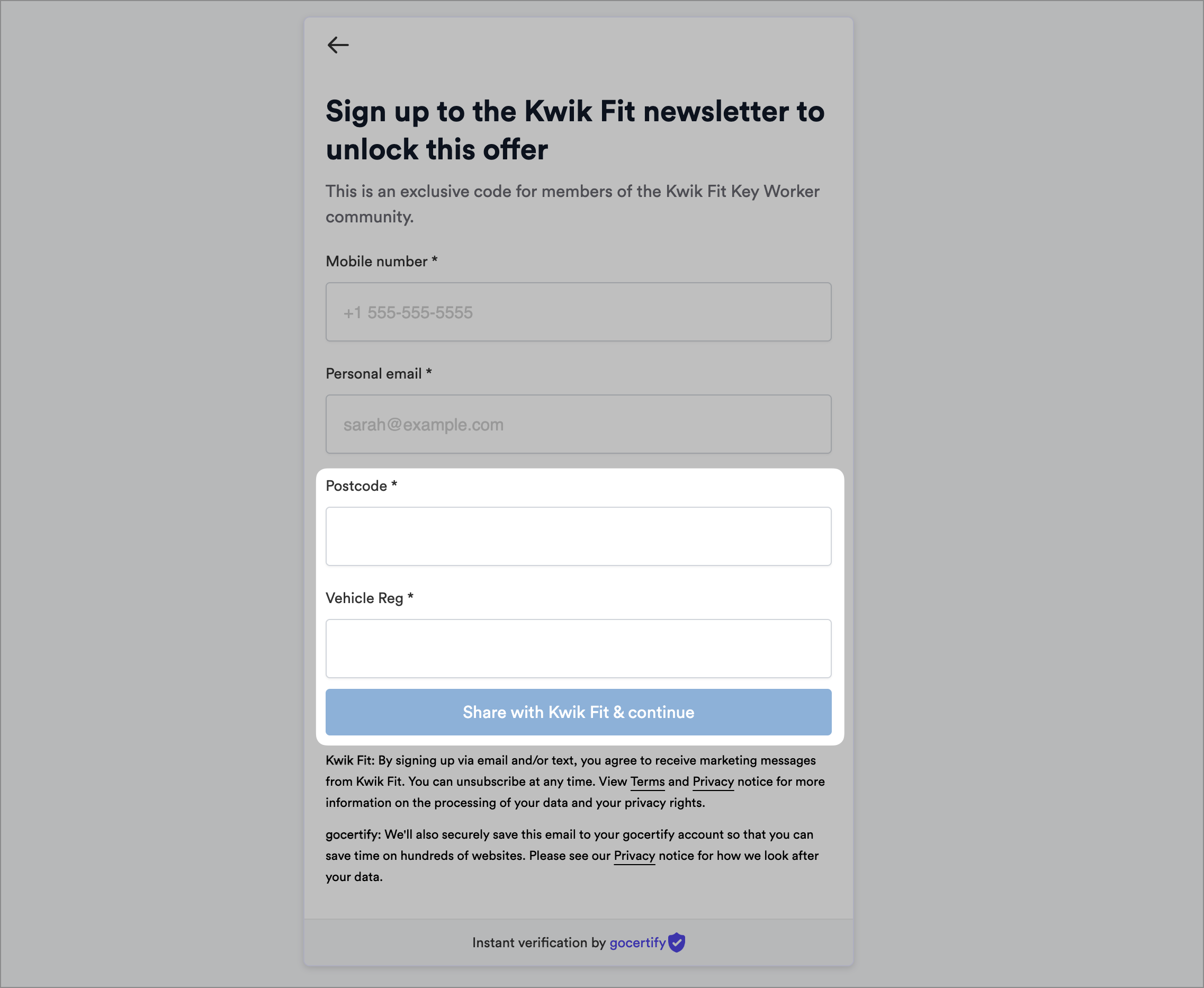
By default, enabling DataCapture will collect shopper emails, enabling you to run newsletter campaigns. However, with custom fields you can collect
any additional data you require to personalise the shopping experience and retarget shoppers.
 ## Custom Field Types
To ensure your data is standardised and easy to use, Gocertify supports a range of custom field types. These can be mapped to your own data fields in your CRM.
### Text
Let users input free text; useful for collecting names, postcodes or other unstructured information.
## Custom Field Types
To ensure your data is standardised and easy to use, Gocertify supports a range of custom field types. These can be mapped to your own data fields in your CRM.
### Text
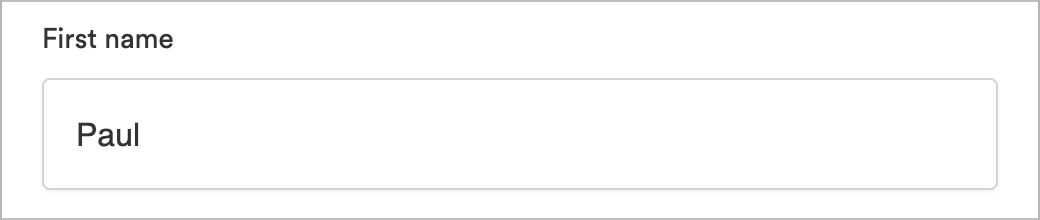
Let users input free text; useful for collecting names, postcodes or other unstructured information.
 ### Dropdown
Dropdowns work best when you have a long list of potential options, such as product categories, and want the user to select one.
### Dropdown
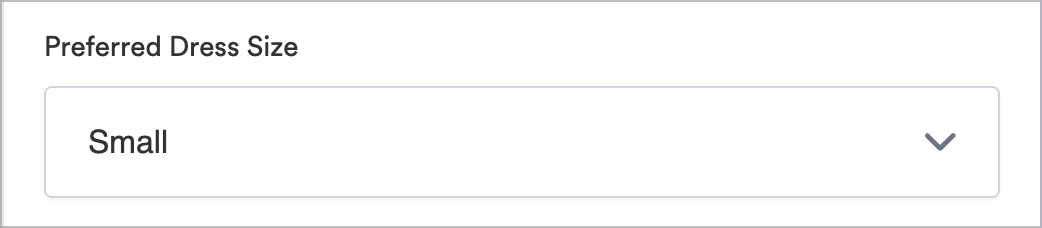
Dropdowns work best when you have a long list of potential options, such as product categories, and want the user to select one.
 ### Radio Button
Radio buttons are best used when you have a short list of potential options, such as product size, and want the user to select one.
### Radio Button
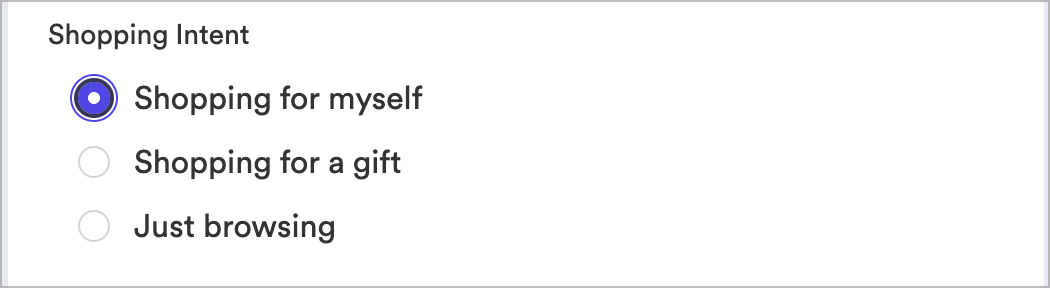
Radio buttons are best used when you have a short list of potential options, such as product size, and want the user to select one.
 ### Multi Select
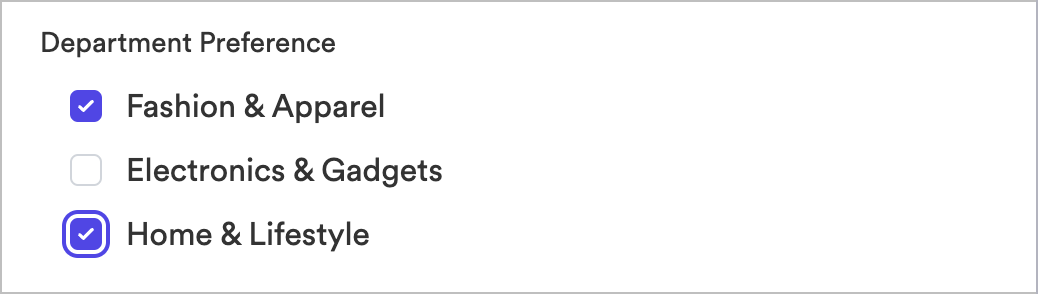
Multi-select allows users to select multiple options from a list, useful for collecting information such as hobbies or interests.
### Multi Select
Multi-select allows users to select multiple options from a list, useful for collecting information such as hobbies or interests.
 ### Date Picker
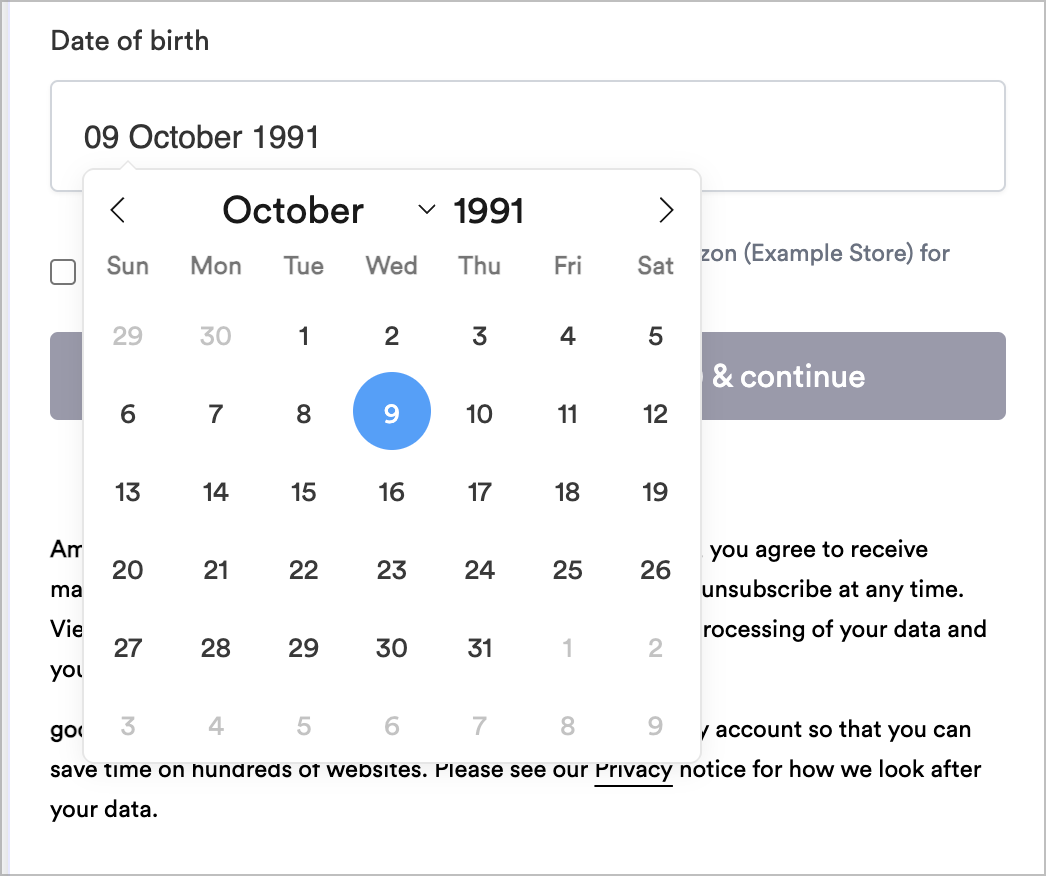
Date pickers make it easy to collect dates, such as dates of birth or other significant events.
### Date Picker
Date pickers make it easy to collect dates, such as dates of birth or other significant events.
 ## Sync to your CDP
At the moment, we only support syncing to Bloomreach. If you want to sync to another CDP, please let us know and we will add support for it.
## Sync to your CDP
At the moment, we only support syncing to Bloomreach. If you want to sync to another CDP, please let us know and we will add support for it.