> ## Documentation Index
> Fetch the complete documentation index at: https://docs.gocertify.me/llms.txt
> Use this file to discover all available pages before exploring further.
# CSV Export
> Start building loyal communities with targeted, gated offers.
Once the user submits their email and/or mobile number, Gocertify saves the data within a secure and encrypted database. You can access these contacts [within your dashboard](https://secure.gocertify.me/dashboard) and export contacts to a CSV.
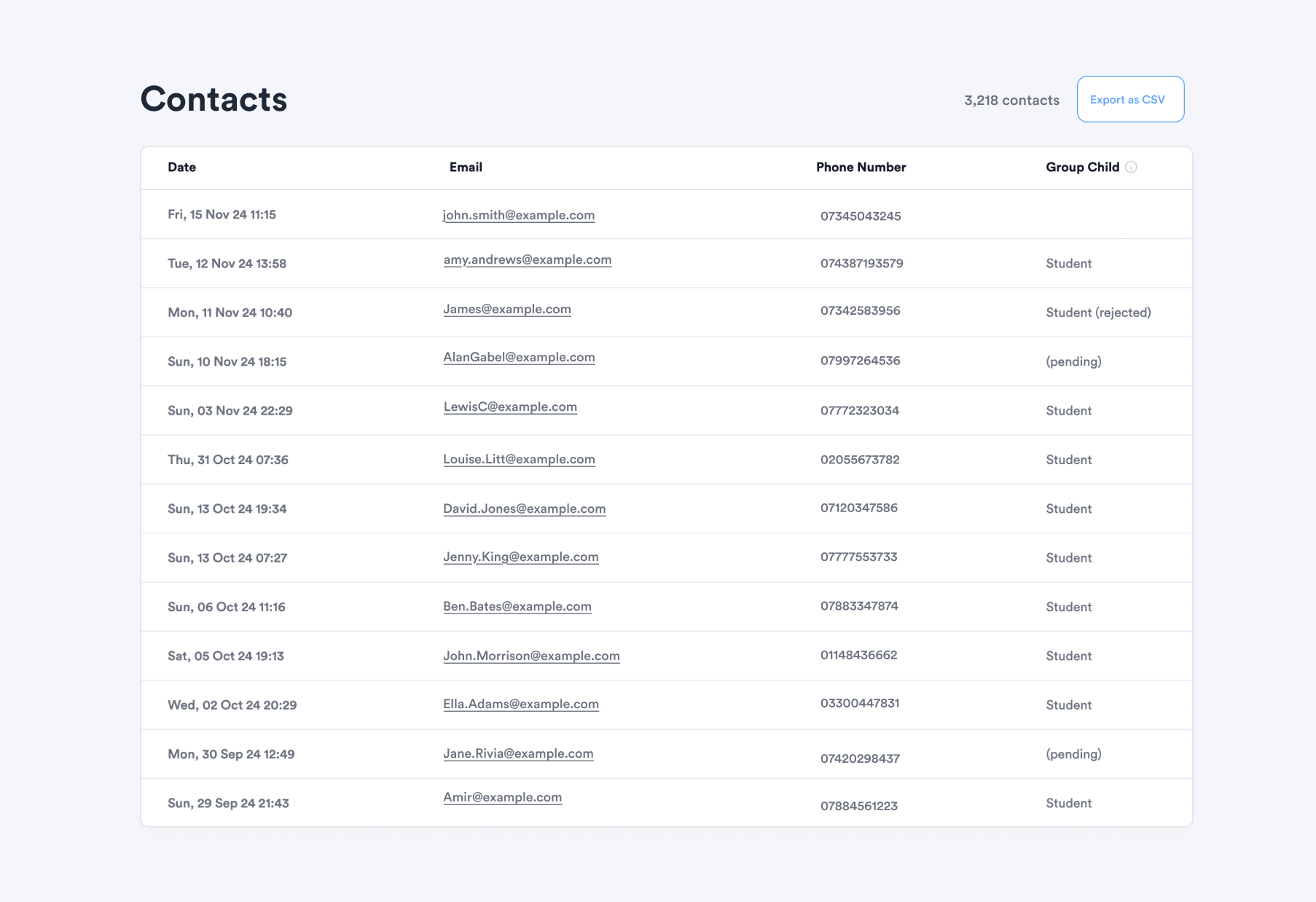 This is a manual process, you won't receive shopper data instantly, unlike with the [CDP integrations](/section/captureData/CDPintegrationOverview). This means you can't do automated sequences/actions each time a shopper is verified or claims and offer.
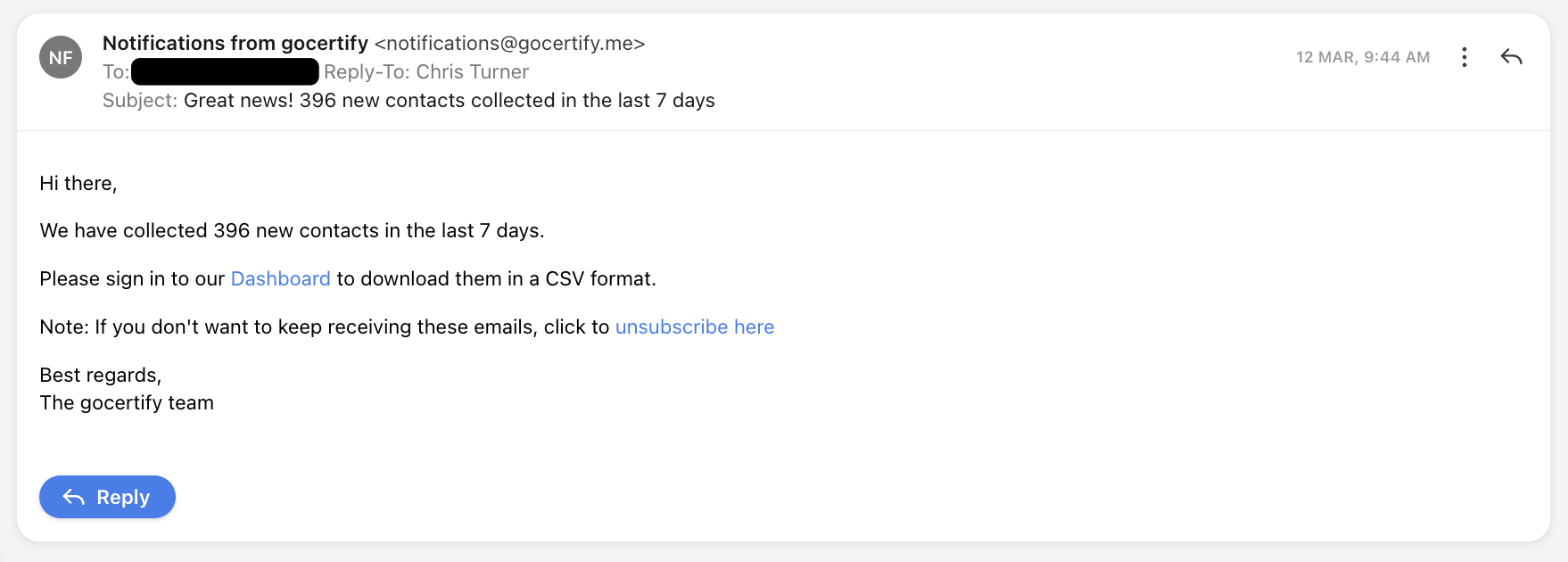
When you export this data you can process it accordingly (ie: creating a profile in your CRM). We will send you a weekly notification email letting you know how many new contacts have been added.
This is a manual process, you won't receive shopper data instantly, unlike with the [CDP integrations](/section/captureData/CDPintegrationOverview). This means you can't do automated sequences/actions each time a shopper is verified or claims and offer.
When you export this data you can process it accordingly (ie: creating a profile in your CRM). We will send you a weekly notification email letting you know how many new contacts have been added.