> ## Documentation Index
> Fetch the complete documentation index at: https://docs.gocertify.me/llms.txt
> Use this file to discover all available pages before exploring further.
# Overview
> Convert shoppers with targeted, gated rewards.
Campaigns form the fundamental building blocks of reward flows. Each campaign is powered by a reusable [offer](/section/buildRewardFlows/chooseReward) - a reward that you set up once and can share across multiple campaigns. When you create a campaign you can:
* [Choose the reward](/section/buildRewardFlows/chooseReward) by selecting an existing offer or creating a new one (e.g. 20% off discount code, free shipping, or a free gift with purchase)
* [Customise the copy](/section/buildRewardFlows/customiseCopy) and design of the campaign
* [Gate the offer](/section/buildRewardFlows/closedUserGroups) to a specific audience (or make it available to all shoppers)
* [Enable DataCapture](/section/captureData/overview) to collect information from shoppers (e.g. email address)
You can also group campaigns, enabling you to have one parent campaign (i.e. Key Worker Discounts) and then have child campaigns (i.e. Healthcare Workers and Teachers).
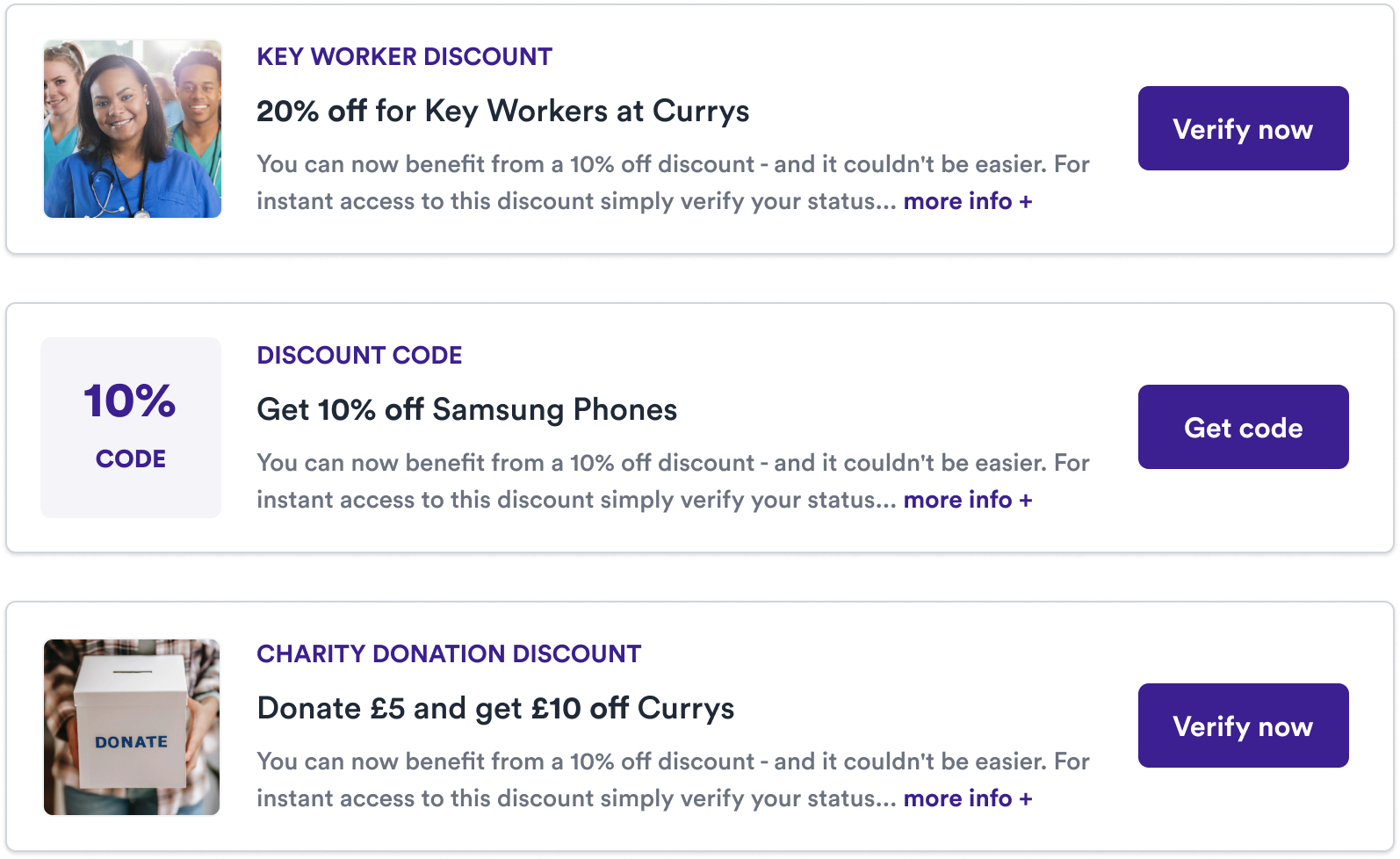 In this section we'll cover how to create and configure campaigns but feel free to skip ahead to the [DataCapture](/section/captureData/overview)
section to learn more about how to leverage rewards to understand your customers better or the [Promotion](/section/promoteOFfers/overview) section
to learn how to omnichannel promote these offers to your customers.
In this section we'll cover how to create and configure campaigns but feel free to skip ahead to the [DataCapture](/section/captureData/overview)
section to learn more about how to leverage rewards to understand your customers better or the [Promotion](/section/promoteOFfers/overview) section
to learn how to omnichannel promote these offers to your customers.